
Sourcing by HappyCo
Inviting Vendors and Publishing the RFP
Demonstrates how Joy recommends vendors based on proximity and trade category, explains public vs. private bidding, and shows how the RFP is published and vendors are instantly notified.
What’s covered
Invite Vendors and Publish Your RFP in Sourcing
Sourcing by HappyCo
1Invite vendors before publishing
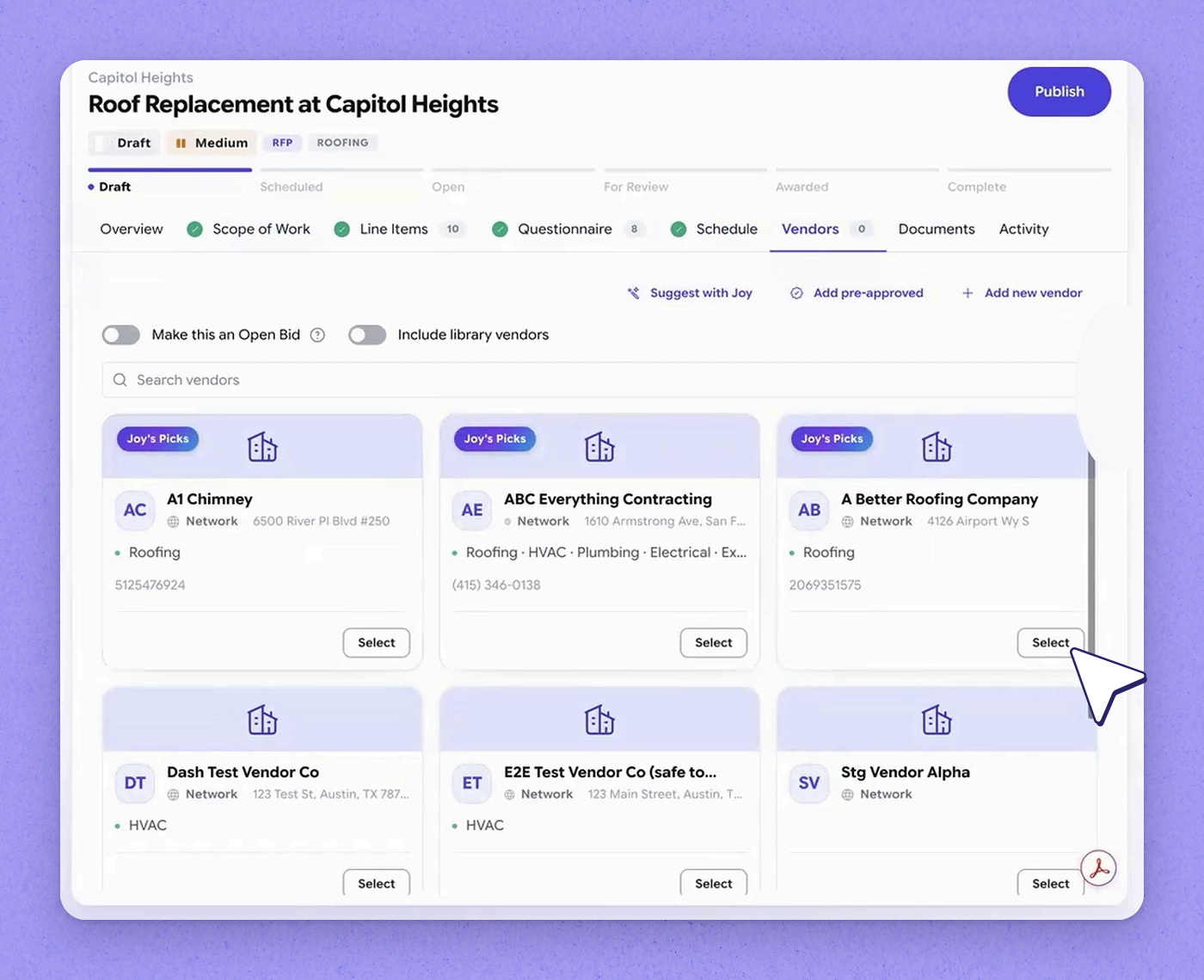
2Select Joy's recommended vendors
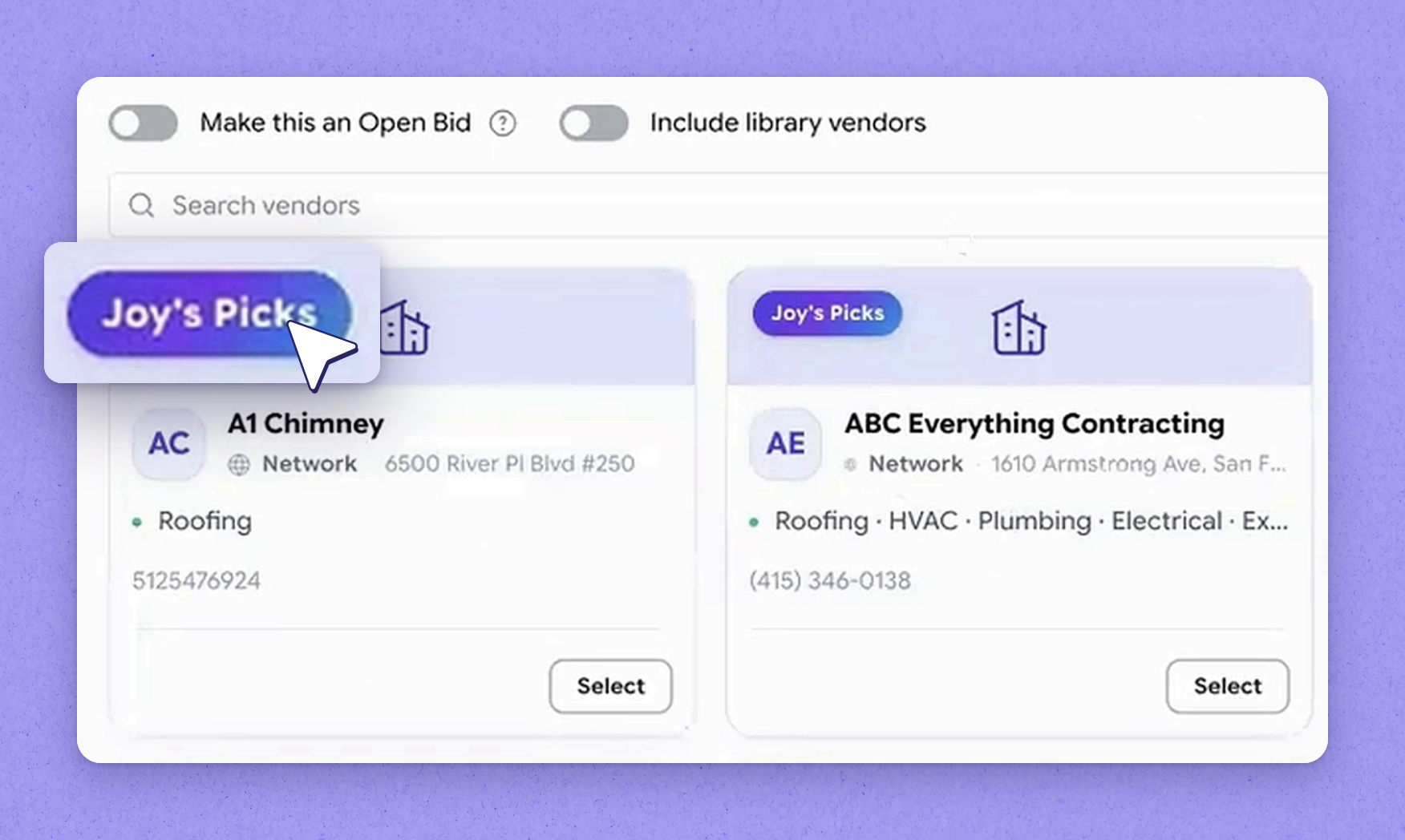
3Public vs private bids
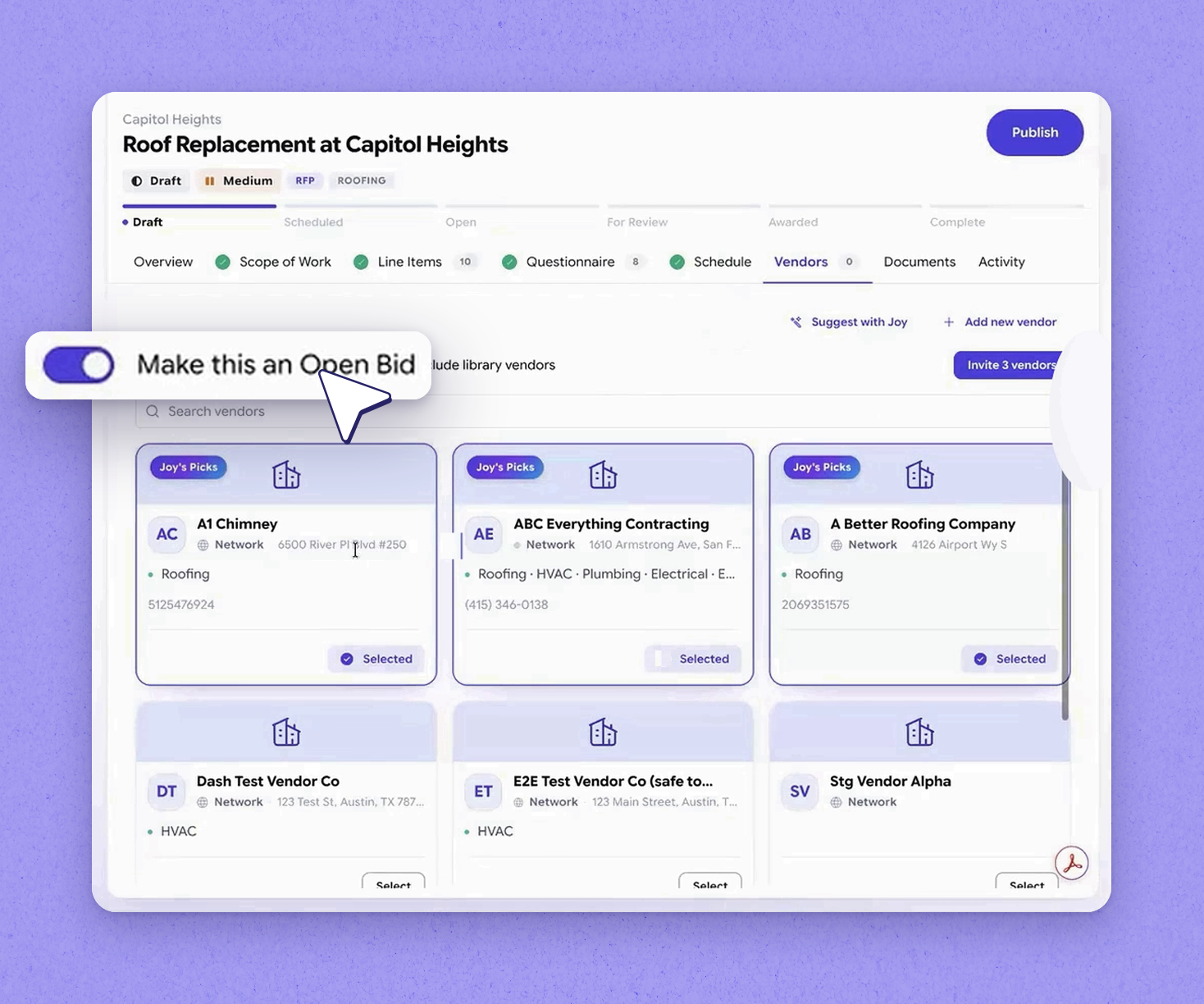
4Keep the bid private
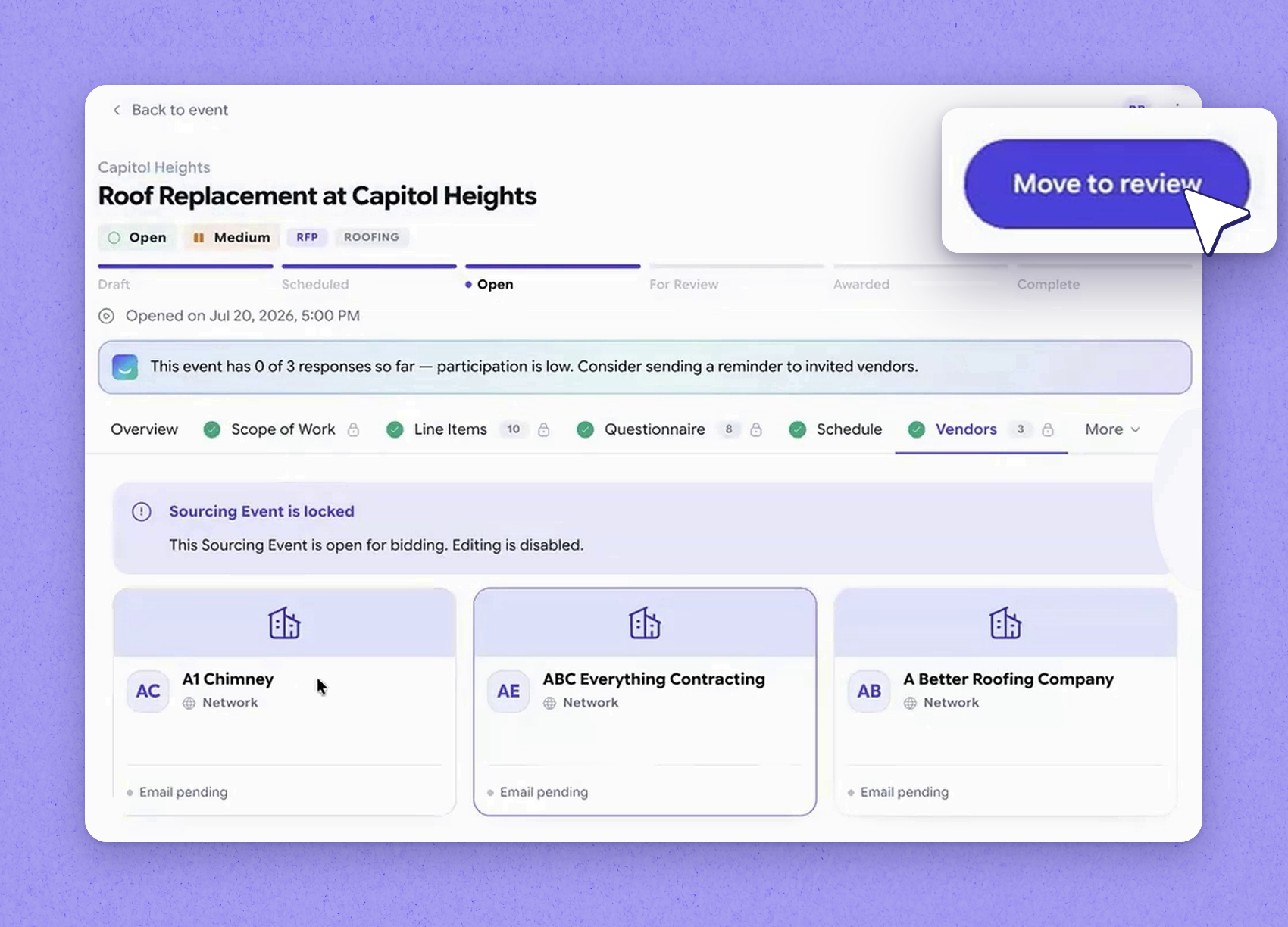
5Publish the RFP now
Public vs private bids
| Bid type | Who can see and bid |
|---|---|
| Private | Only the specific vendors you invite to review and bid. |
| Public | Your invited vendors, plus every other vendor in your network who services the area for that trade category — they see the event as a new opportunity. |
Frequently asked questions
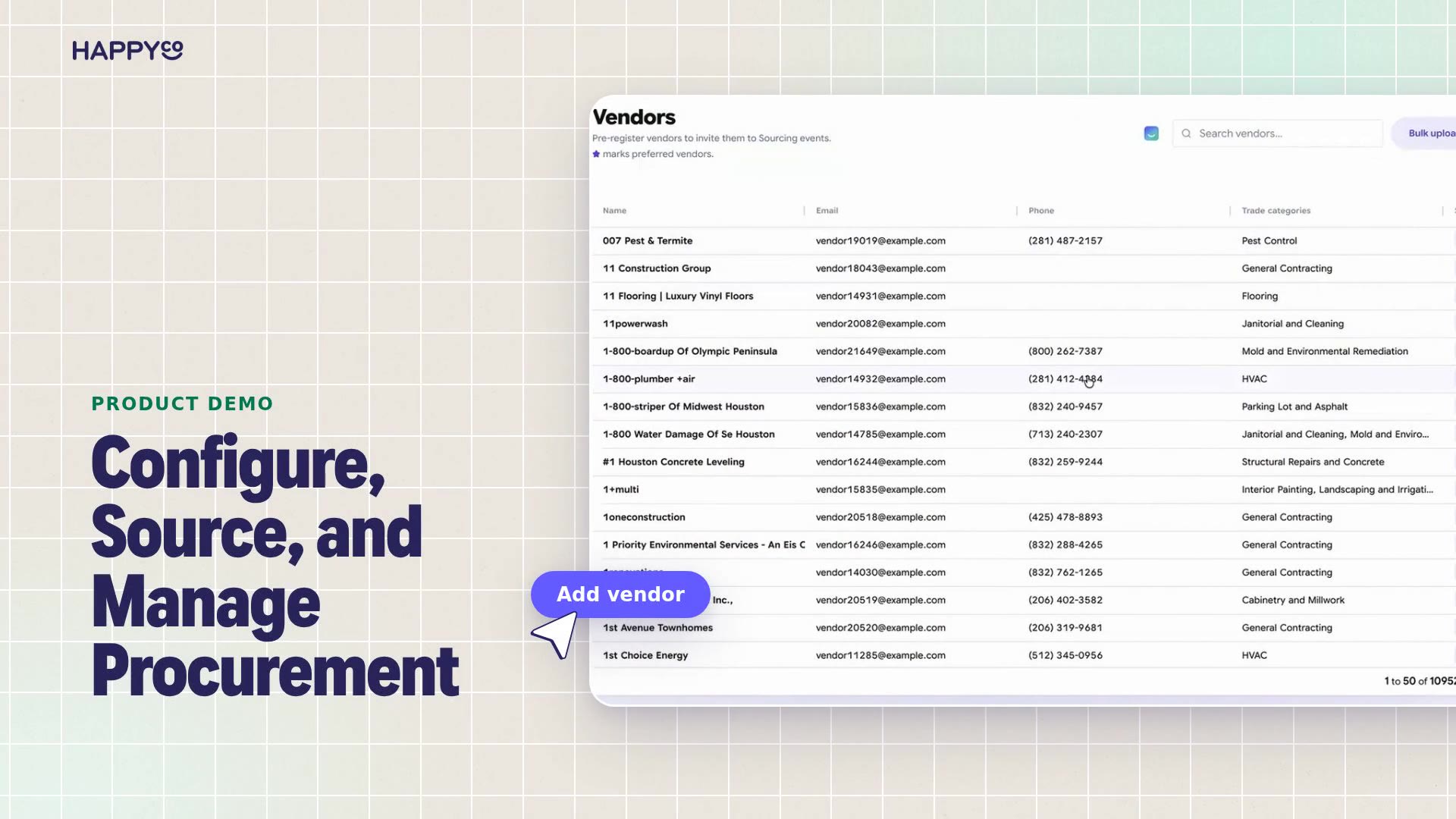
Go to the vendors tab and add vendors by conversing with Joy. Joy suggests top vendors based on their proximity and the kind of work they do, and you can select the ones you want to invite.
On a private bid, only the vendors you invite can review and bid. On a public bid, you still invite specific vendors, but you also open the event to every other vendor in your network who services the area for that trade category, so they see it as a new opportunity.
No. When set up, the system will automatically send the RFP to invited vendors on the scheduled publish date, but you can also publish immediately instead of waiting. Once published, your invited vendors are notified.
More in Sourcing by HappyCo with Joy AI
See it in your properties
HappyCo brings inspections, maintenance and on-call operations into one connected platform.
Made with HappyCo Studio · happy.co